Find CBE templates, brand assets and practical guidance for creating clear, accessible and on-brand communications.
Start with a template whenever possible. CBE templates are designed to make common communications projects easier while keeping materials consistent with College and University branding.
Canva for CBE
Canva is an easy to use graphics editor available to UW faculty, staff and students at no cost. CBE maintains a Brand Kit in Canva with College logos, colors, graphics and customizable templates for common communications needs.
1. Sign up for Canva through UW
Sign up for Canva through UW-IT using your UW account.
2. Join the CBE Canva team
Faculty and staff should be added to the CBE Canva team to access CBE templates and brand resources. If you need access, submit a MarCom Request form.
3. Open the CBE Brand Kit
Once you’re in Canva, open the Brand area and select CBE Brand to access College logos, colors, graphics and templates.
Templates
Start with an existing CBE template whenever possible. Templates are available in Canva, Microsoft Word, PowerPoint and, for selected projects, InDesign.
Documents
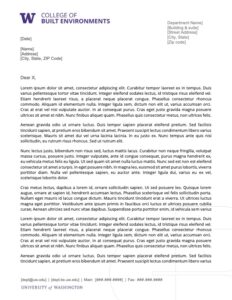
Letterhead
- Size: 8.5 x 11
- Good for: Official letters, press releases, branded paper stock
- Download:
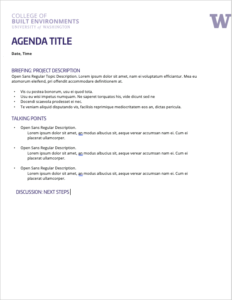
Agenda Template
- Size: 8.5 x 11
- Good for: Meetings, project planning, note taking
- Download:
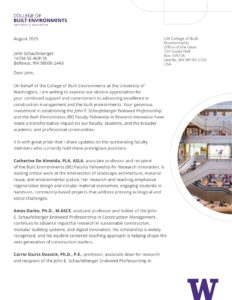
Stewardship Reports
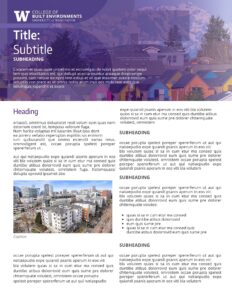
Two Pager
Stationary
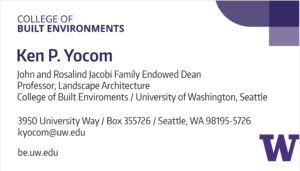
Business Cards
- Size: 3.5 x 2
- Good for: Networking, contact information
- Download:
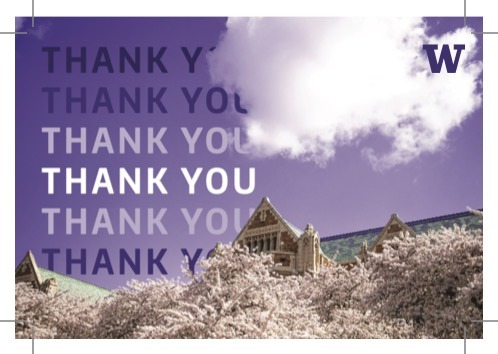
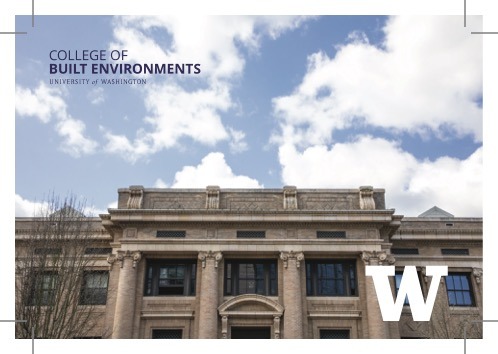
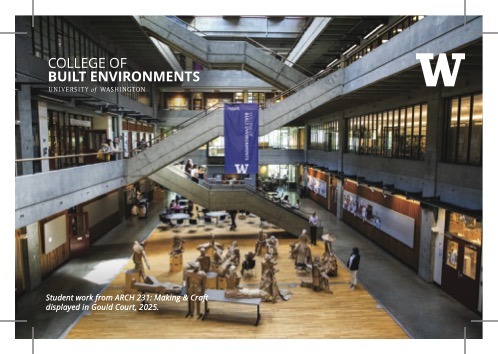
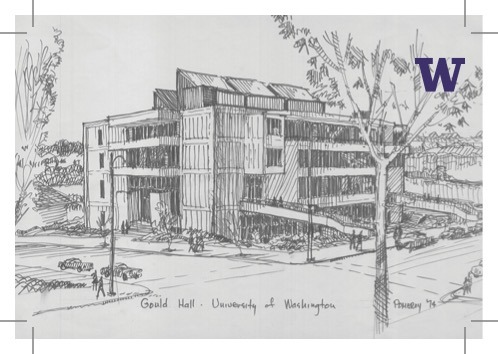
CBE Postcards
- Size: 6 x 4
- Good for: Thank you notes, donor and alumni updates and stewardship.
Download:
- Email MarCom to access print-ready file
Posters/Large Signs
Exhibition Poster – Mylar
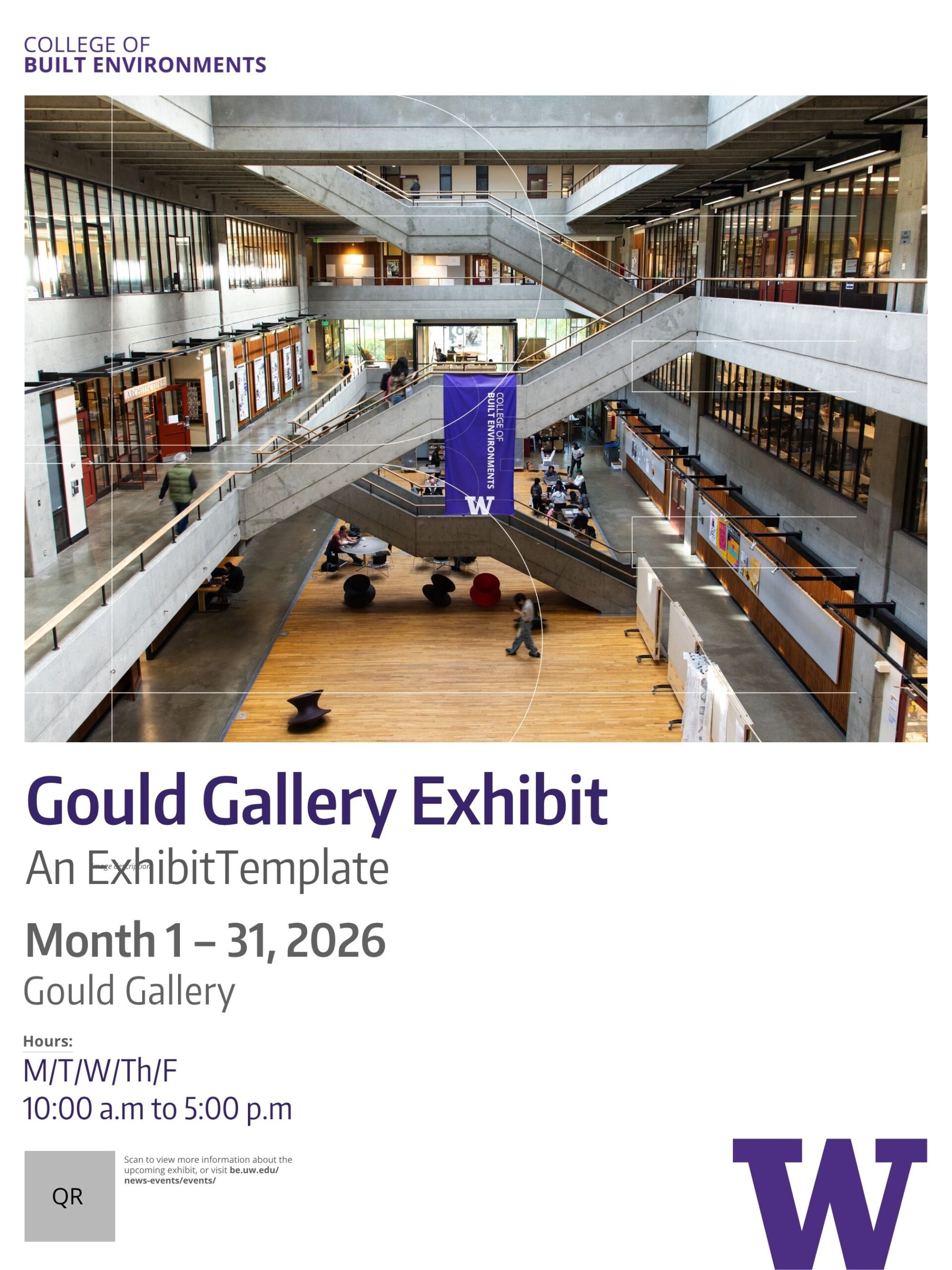
Exhibition Poster – Plotter
- Size: 24 x 32; 11 x 17
- Good for: Exhibition, lecture or workshop promotion,
- Download:

Lecture Poster
- Size: 24 x 32; 11 x 17
- Good for: Lecture, workshop or event promotion.
- Download:

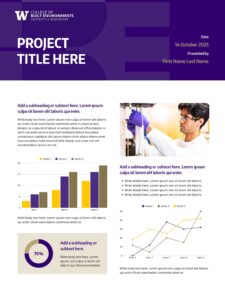
Research Poster
- Size: 24 x 32
- Good for: Research project presentations, exhibition posters and symposium displays
- Download:
Event and Building Wayfinding
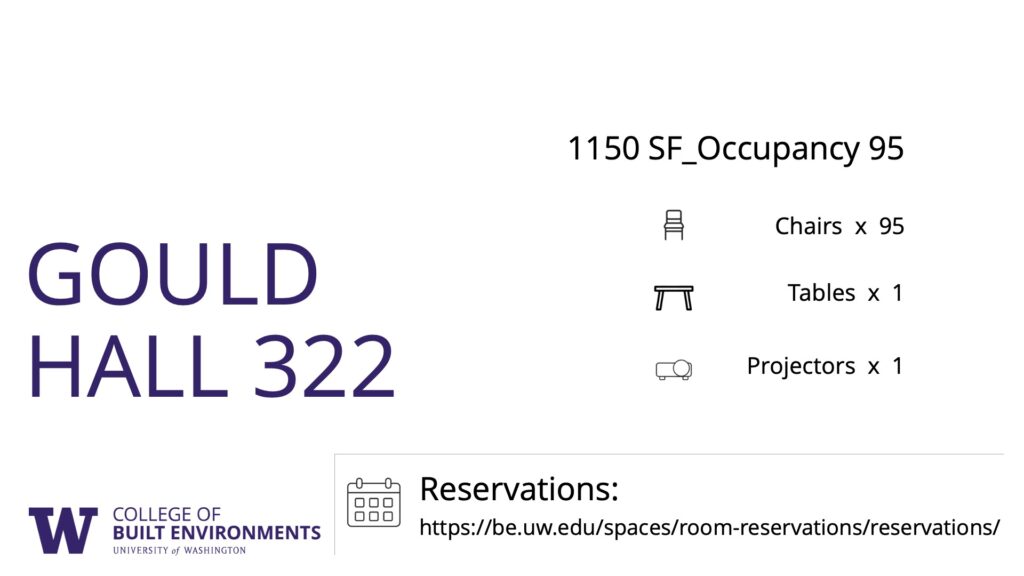
Wayfinding Signage
- Size: 11 x 17; 8.5 x 11
- Good for: Event way finding, restroom and accessibility signage
- Download:

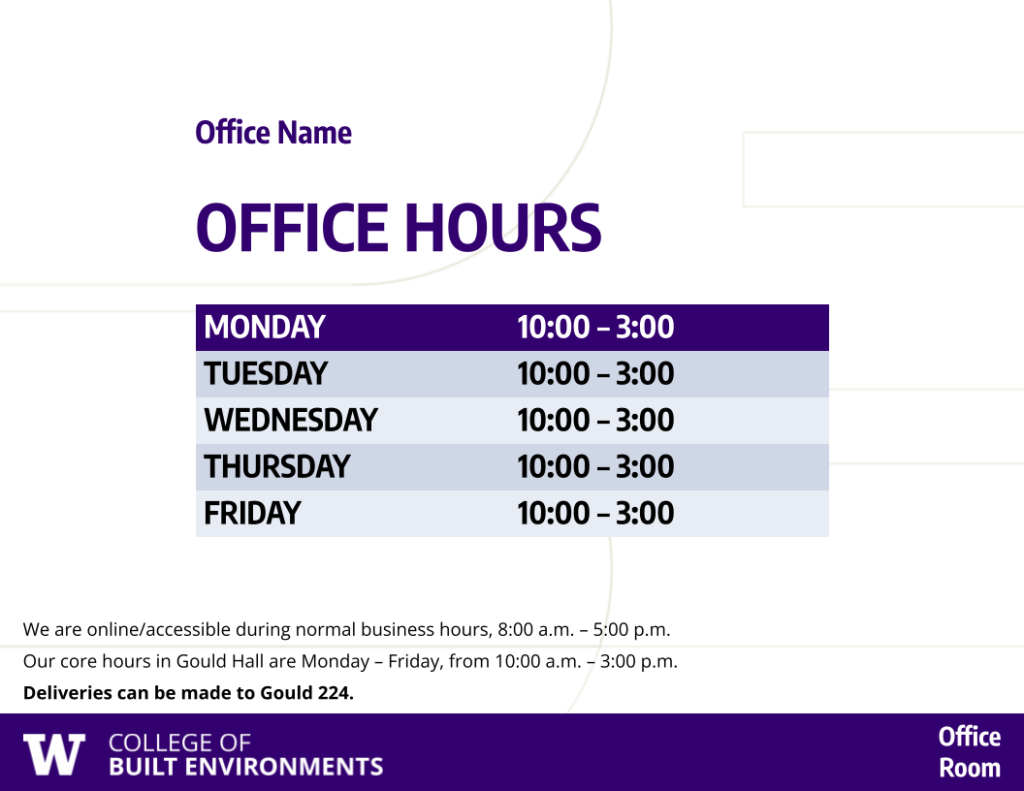
Door Signs
*May need to trim as needed.
- Size: 8 x 4.5; 8.5 x 11
- Good for: Office door signage, plexiglass sign holders, name plates
- Download:
Powerpoint Slides
Slideshow – 4:3
Slideshow – 16:9
Flyers
PAC Lecture Promotion
- Size: 8.5 x 11
- Good for: Lectures and events, exhibitions, workshops
- Download:

Course Advertising
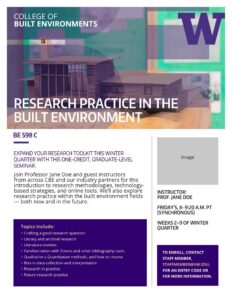
Program Brochure
- Size: 11 x 8.5 (horizontal)
- Good for: New programs, lectures, and centers, student recruitment
- Download:
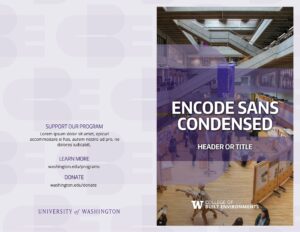
Program One Pager/Flyer
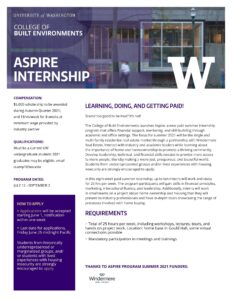
Posters
Information Session Flyer
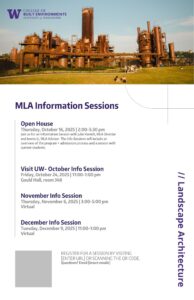
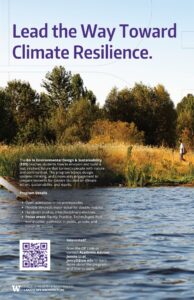
Program/Degree Advertising
- Size: 11 x 17
- Good for: Student recruitment, program, center or degree promotion
- Download:
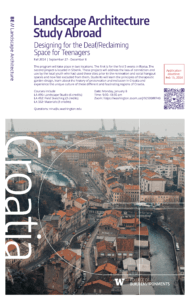
Study Abroad Promotion
- Size: 11 x 17
- Good for: Student recruitment, program promotion
- Download:
Social Media
*Any of these templates can be resized to the ratio that best fits the intended social media platform. Learn more about social media best practices.
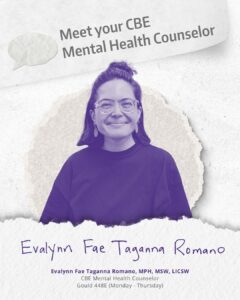
Student/Staff/Faculty Spotlight
- Size: 1080 x 1350 px
- Good for: Student and faculty features, new staff announcements
- Download:
Awards & In memoriam
- Size: 1080 x 1440 px (Not compatible with Buffer)
- Good for: Awards announcements, in memoriam posts
- Download:

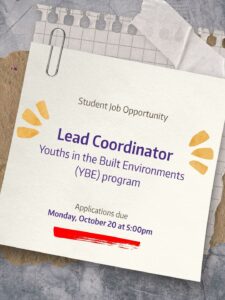
Job opportunity
- Size: 1080 x 1350 px
- Good for: Job, internship or apprenticeship opportunities.
- Download:
Study Abroad
- Size: 1080 x 1350 px
- Good for: Study abroad promotion, events.
- Download:

Event promotion
- Size: 1080 x 1350
- Good for: Events, lectures, ceremonies, and workshops
- Download:

General/Backgrounds
- Size: 1080 x 1350
- Good for: General social media posts, custom designs
- Download:

PAC Lecture Promo
- Size: 1080 x 1350
- Good for: Lecture and exhibition promotion
- Download:

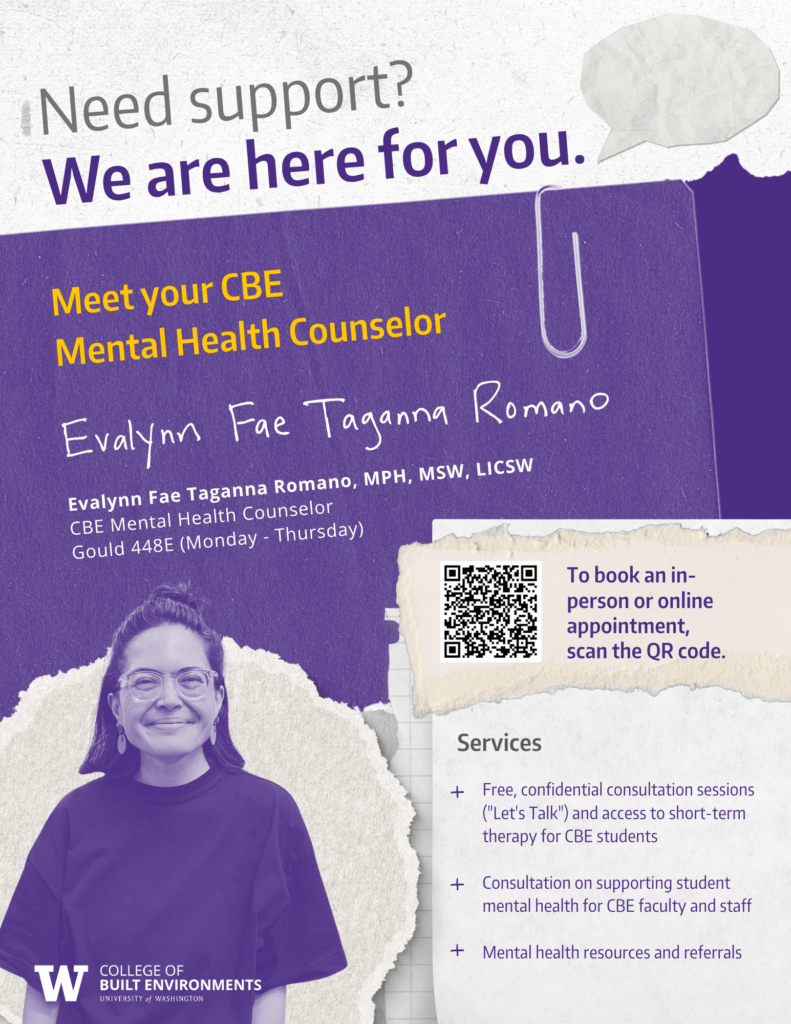
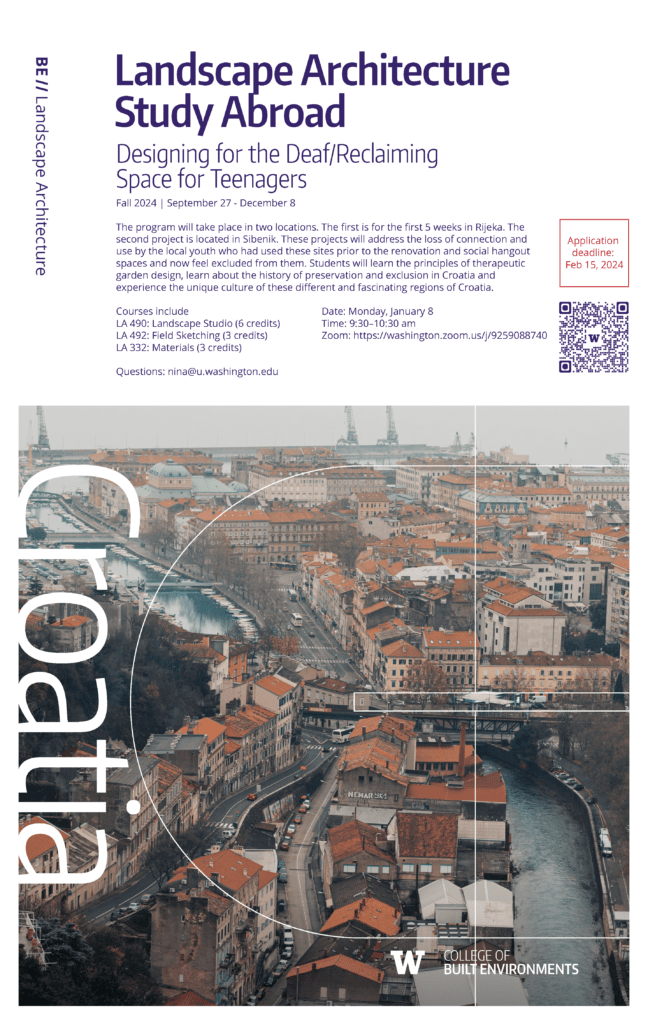
On-Brand Examples
Use these examples as inspiration for how CBE brand elements, typography, color, photography and layout can work together across different communications materials.


Brand Essentials
Use these core CBE and UW brand elements consistently across communications materials.
Fonts
The CBE brand uses:
- Encode Sans Condensed Bold — headlines and titles
- Encode Sans Condensed Regular — subheads
- Open Sans — body text and captions
Install the CBE/UW fonts before using templates that rely on them.
Colors
UW purple and gold are the foundation of the CBE color palette.
#32006e
#4b2e83
#b7a57a
Accessibility matters. Make sure text and background colors provide sufficient contrast.
Logos
Use approved CBE and UW logos only. Do not recreate, alter or recolor University logos outside approved brand standards.
Department & Office Logos
- Architecture
- Construction Management
- Landscape Architecture
- Real Estate
- Urban Design & Planning
- Office of the Dean
- Office of Student Services
- Office of Research
If you need a CBE logo that isn’t listed, submit a request.
Graphics
CBE and UW graphic elements can add visual identity without requiring a custom design for every project.
Double Backslash
The CBE double backslash can be used as a simple graphic element or to separate content and categories.

Supergraphic
The CBE supergraphic can be cropped and used as a bold graphic element, background or photo overlay.
CBE Icons
Design Best Practices
- Start with a template. Use an existing CBE or UW template whenever one meets your needs.
- Maintain a clear UW connection. Use approved CBE or UW branding appropriate to the audience.
- Use approved logos and brand colors. Don’t recreate or modify official brand assets.
- Keep layouts simple. Strong hierarchy and adequate white space make materials easier to understand.
- Design for accessibility. Use sufficient color contrast, readable type and clear information hierarchy.
- Use strong photography. Whenever possible, choose authentic CBE or UW imagery rather than generic stock photography.
Additional Resources
- UW Brand Portal — official UW brand standards and resources
- UW Templates — University templates and stationery
- Canva for UW — Canva access and guidance
- CBE Image Library — College photography
- UW Visual Asset Collection — University photography and visual assets
- Creative Communications (C2) — professional design, print and creative services
Need Help?
Can’t find the template or brand resource you need? Have a project that requires additional design support? Reach out to MarCom and we’ll help determine the best next step.